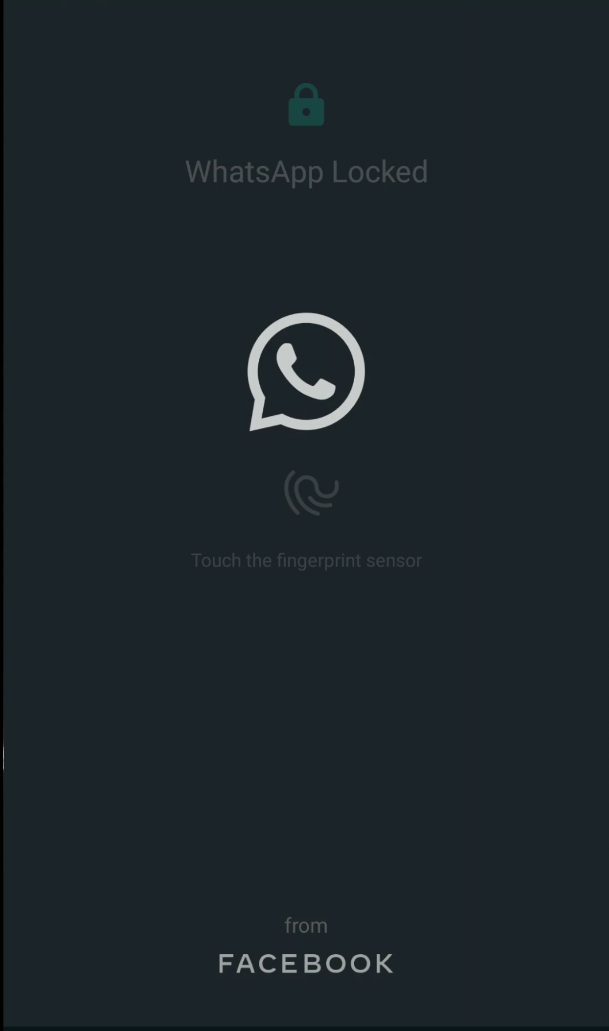
Finally after so many months of speculations, WhatsApp for Android has joined a long list of apps which have Dark Mode. Although not the Default Dark Black, it’s better to see the app finally have a Darker Complexion.
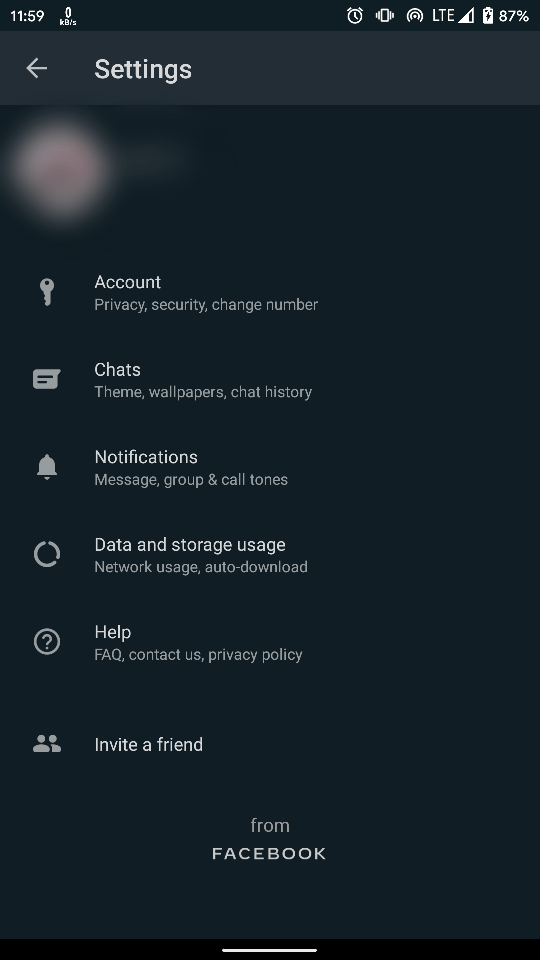
The Update is only for beta users as of now and is more dark green than Black. Entire UI is covered with a dark green profile including the Settings and Home Screen. Although the conversation interface defaults to white, or you can change it to whatever you want to.
Dark Mode originally was designed to be used by phones with OLED screens to conserve battery as the OLED screens only light up Pixels which need to and thus conserve huge amount of battery if the background is dark.
Facebook has officially started the rollout of Dark Mode via Google Play Store. The WhatsApp Beta Programme is currently full and will likely stay that way. Although, if you want to try it out, you might have to sideload it.
The Beta Version is the new v2.20.13. Although it is not recommended to sideload apps as they come with malwares, but APK Mirror is trusted to some extent. It is available for download via APK Mirror.
If you are not a Beta Tester and can’t wait to try the app’s new dark mode, register here to become a tester via Google Play and download WhatsApp Beta builds.
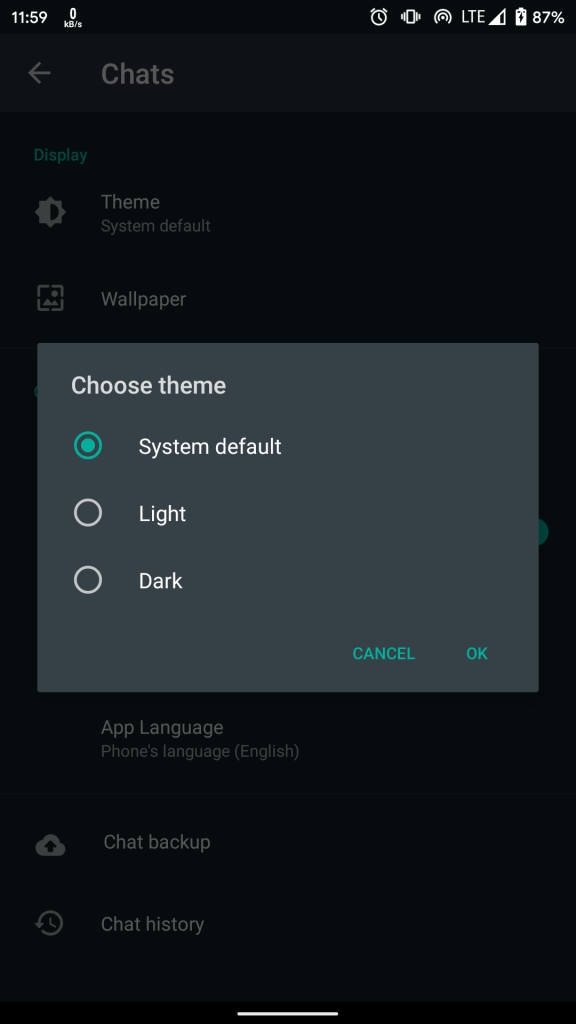
How to enable Dark Mode in WhatsApp?
- Download the latest WhatsApp Beta update from Google Play or download from APK Mirror and sideload the Apk.
- Open the app.
- Open settings using the three dots in the right top corner.
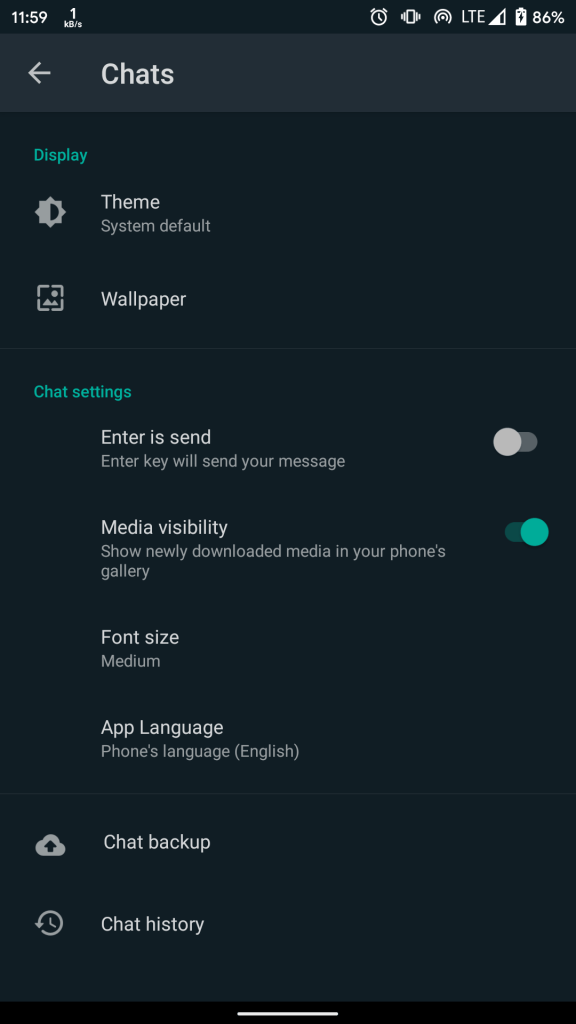
- Select Chats and you will see a new “Theme” option.
- Select “Dark” from the Themes pop up card.
- Or choose “System Default” and put your device on Dark Mode.
Enjoy your time and keep waiting for the stable release Dark Mode. Hope it’s actually dark this time.
 THE WHISTLING WIND